Key Points
- Apple now recommends iOS 26.1—not iOS 26—for users upgrading from iOS 18, citing improved stability and security.
- The update introduces Liquid Glass transparency controls, offering deeper visual customization.
- Eight new languages have been added to Apple Intelligence, expanding global accessibility.
- Live Translation with AirPods now supports Japanese, Korean, Italian, and multiple Chinese dialects.
- iOS 26.1 includes major security patches, gesture refinements, and everyday usability improvements.
Apple Pushes iOS 26.1 as the New Standard for Older iPhones
Apple is officially steering iPhone users still running iOS 18 toward iOS 26.1, positioning the update as the preferred upgrade path over the base version of iOS 26. The shift began on December 2, 2025, when iOS 26.1 became the prominently recommended update in Settings.
The move reflects Apple’s confidence in the point release, which addresses early stability concerns tied to iOS 26 while delivering new features, security enhancements, and broader language support.
Why Apple Is Prioritizing iOS 26.1
iOS 26.1 originally launched on November 3, 2025, and has since become Apple’s go‑to recommendation for users hesitant to jump directly to iOS 26. With security updates for iOS 18 nearing their end, Apple is urging older‑device owners to upgrade to maintain privacy protections and app compatibility.
The company’s decision also signals that a significant number of users remain on iOS 18—an audience Apple wants to transition smoothly into its modern ecosystem.
Liquid Glass Gains New Transparency Controls
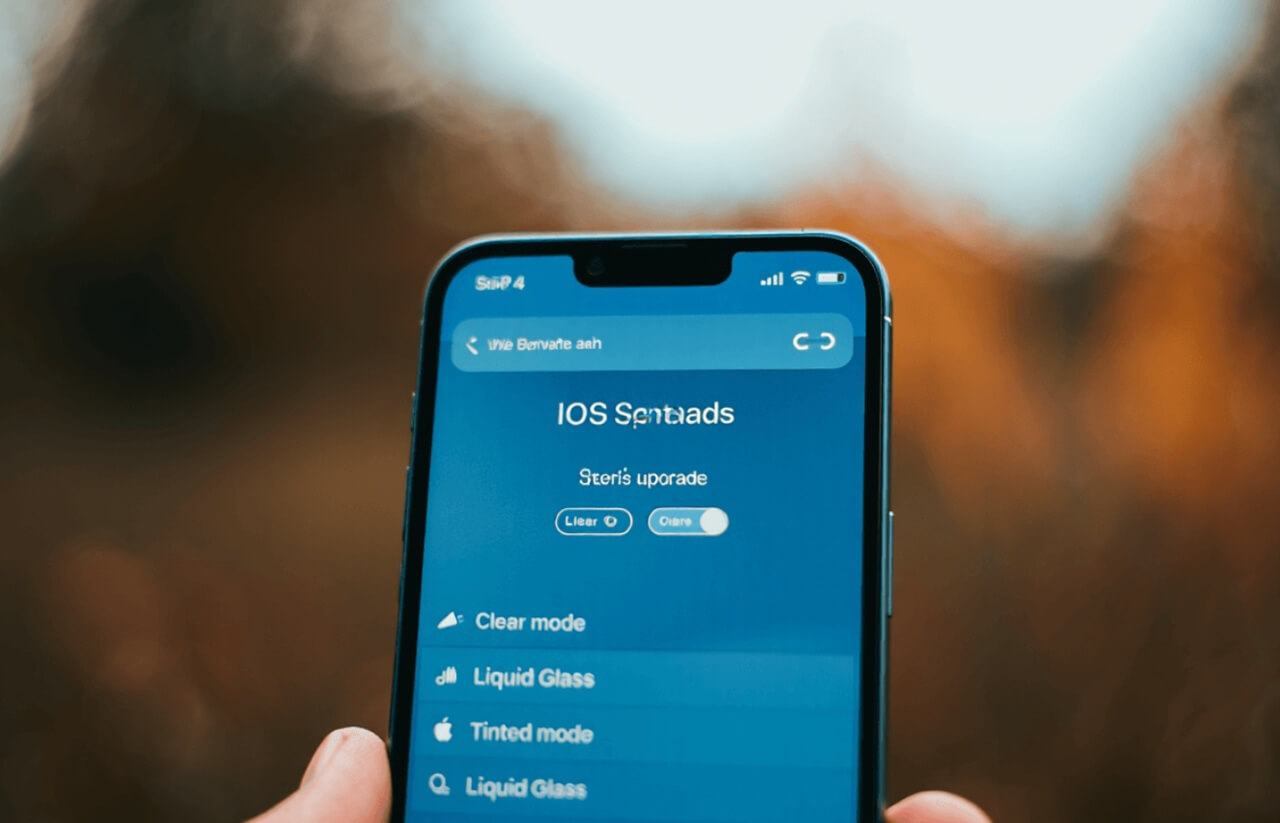
One of iOS 26’s most talked‑about design features—Liquid Glass—receives a practical upgrade in iOS 26.1. Users can now adjust transparency levels across the lock screen, home screen, and Control Center, offering more control over visual clarity and accessibility.
Liquid Glass blends the reflective qualities of real glass with fluid animations, creating seamless transitions between UI elements. The new toggle allows users to reduce visual intensity if they prefer a cleaner, less stylized interface.
Supported Devices:
- iPhone 12 Pro or newer
- iPad Pro (2020 or later)
Apple Intelligence Expands to Eight New Languages
Apple Intelligence becomes more globally inclusive with support for eight additional languages:
- Chinese (Traditional)
- Danish
- Dutch
- Norwegian
- Portuguese (Portugal)
- Swedish
- Turkish
- Vietnamese
This expansion marks a major step toward making Apple’s AI features accessible beyond English‑dominant markets.
Live Translation With AirPods Gets Major Upgrade
AirPods users now benefit from expanded Live Translation, which supports real‑time translation in:
- Japanese
- Korean
- Italian
- Mandarin Chinese (Simplified and Traditional)
The feature works during calls and in‑person conversations, and can automatically interpret incoming messages in supported languages.
Apple summarized the update in its official documentation:
“This update adds new languages for Live Translation with AirPods, a new tinted option for Liquid Glass, along with other features, bug fixes, and security improvements.”
Security Fixes and Everyday Usability Improvements
iOS 26.1 includes multiple security patches addressing vulnerabilities related to encryption bypasses and app exploits. These updates install automatically for users with security toggles enabled.
The update also refines several daily-use interactions:
- Slide to Stop Alarm replaces traditional tap‑to‑silence behavior.
- Swipe-to-camera on the lock screen now includes a toggle to prevent accidental activation.
- Gesture responsiveness and UI stability have been improved across the system.
How to Update to iOS 26.1
Updating takes roughly 15–30 minutes, depending on device and network speed. Apple recommends:
- Connecting to Wi‑Fi
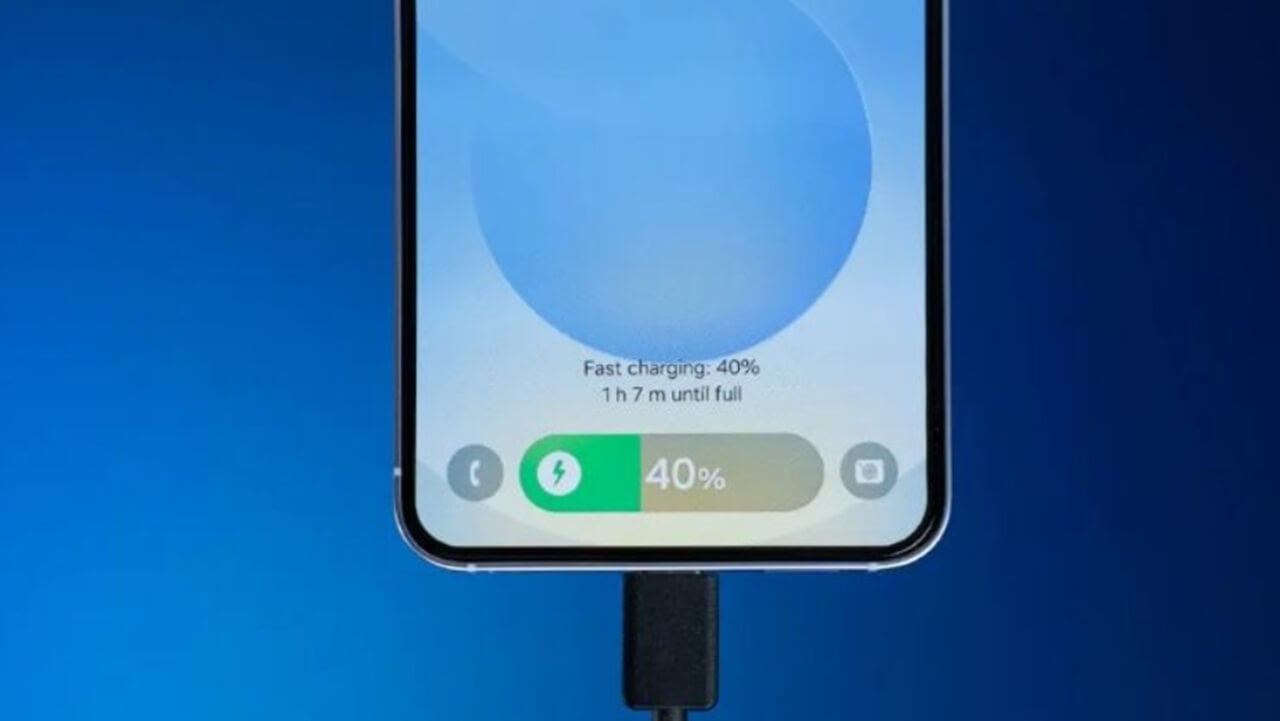
- Ensuring at least 50% battery
- Keeping the device plugged in during installation
Users can navigate to Settings > General > Software Update to begin. Devices with automatic updates enabled may download the update overnight.
What Happens Next?
With iOS 26.1 now positioned as the default upgrade path, Apple is expected to continue refining the 26‑series experience through incremental updates. As more users transition away from iOS 18, developers will increasingly optimize apps for the newer system, accelerating the shift toward Apple’s next generation of software features.