Apple is rolling out iOS 26.2 this week, bringing a powerful batch of new features to more than 1 billion iPhone users worldwide. Scheduled to reach devices between December 10–15, 2025, the update enhances reminders, security, design, and everyday usability—making it one of the most meaningful point releases of the iOS 26 cycle.
Smarter Reminders With Alarm-Level Urgency
The Reminders app gets its most significant upgrade in years. iOS 26.2 introduces Urgent Alerts, a new setting that transforms reminders into full alarm-style notifications. When marked urgent, a reminder triggers sound and vibration until acknowledged—solving the long-standing issue of important tasks getting buried behind standard notifications.
The system integrates with Apple’s Focus Modes and works across devices, ensuring time-sensitive commitments are impossible to miss.
Liquid Glass Design Gets Precision Controls
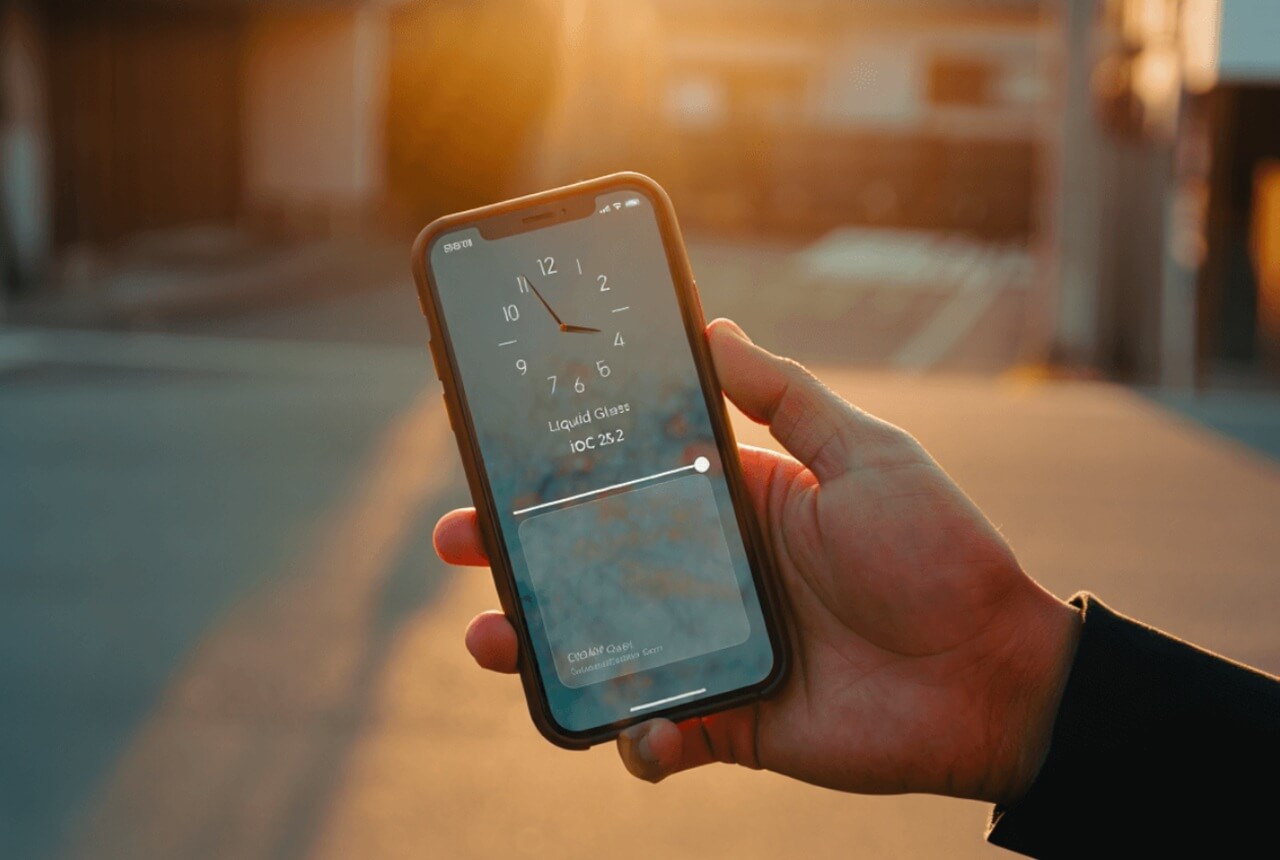
Apple’s Liquid Glass interface, introduced with iOS 26, receives notable refinements in 26.2.
Users can now adjust the Lock Screen clock transparency using a smooth slider—from a frosted, high-contrast look to a fully transparent clock that blends into the wallpaper.
Liquid Glass toolbars also expand across Apple’s core apps, appearing in:
Mail
Notes
Messages
Measure
These visual upgrades emphasize clarity and create a more unified design across the OS.
Liquid Glass Enhancements Overview
| Feature | Details |
|---|---|
| Lock Screen Clock | New transparency slider |
| App Integration | Mail, Notes, Messages, Measure |
| Visual Style | Frosted-to-clear glass navigation |
| User Control | Adjustable per user preference |
AirDrop Adds Major PIN-Based Security Layer
AirDrop receives its biggest change in years. iOS 26.2 introduces a PIN code verification system for sharing files with unknown contacts.
When someone initiates an AirDrop transfer, your iPhone generates a secure PIN the sender must enter before the file is accepted. This eliminates unwanted transfers in crowds and blocks malicious AirDrop “bump attacks.”
Trusted devices remain whitelisted for 30 days, reducing friction for frequent contacts. Apple also expands secure sharing to users outside your contact list, but still requires PIN verification.
Apple Music, Podcasts, and Health Gain Smart Features
Music lovers finally get offline lyrics, allowing synced lyrics to appear even when no internet connection is available.
Podcasters benefit from automatic chapter creation, where iOS analyzes speech patterns and segments audio into logical chapters—no manual editing required.
The Health app adds Sleep Score, offering deeper insights by evaluating sleep quality, not just duration.
CarPlay, Translation, and Security Updates Strengthen the Ecosystem
CarPlay now lets users unpin messages, preventing sensitive conversations from appearing on-screen while driving.
Live Translation expands across Europe with AirPods integration, bringing smooth real-time language interpretation to more regions.
iOS 26.2 also updates:
emergency alert delivery
website password verification
item tracker distance accuracy
Messages visual effects and formatting
Technology reporters, including Forbes, highlight that the update “fixes a raft of vulnerabilities” while delivering meaningful upgrades for everyday users.